Tracking Deadlines & Progress
Learn how to track project deadlines, communicate progress, and flag risks before they become missed deadlines.
Video
Watch the lesson video, then complete the reading and challenge.
Presentation Slides
Review the slides below, then complete the reading and challenge.
Lesson Notes
Read through the key concepts before you try the challenge.
Real-World Scenario
Why Deadline Tracking Matters
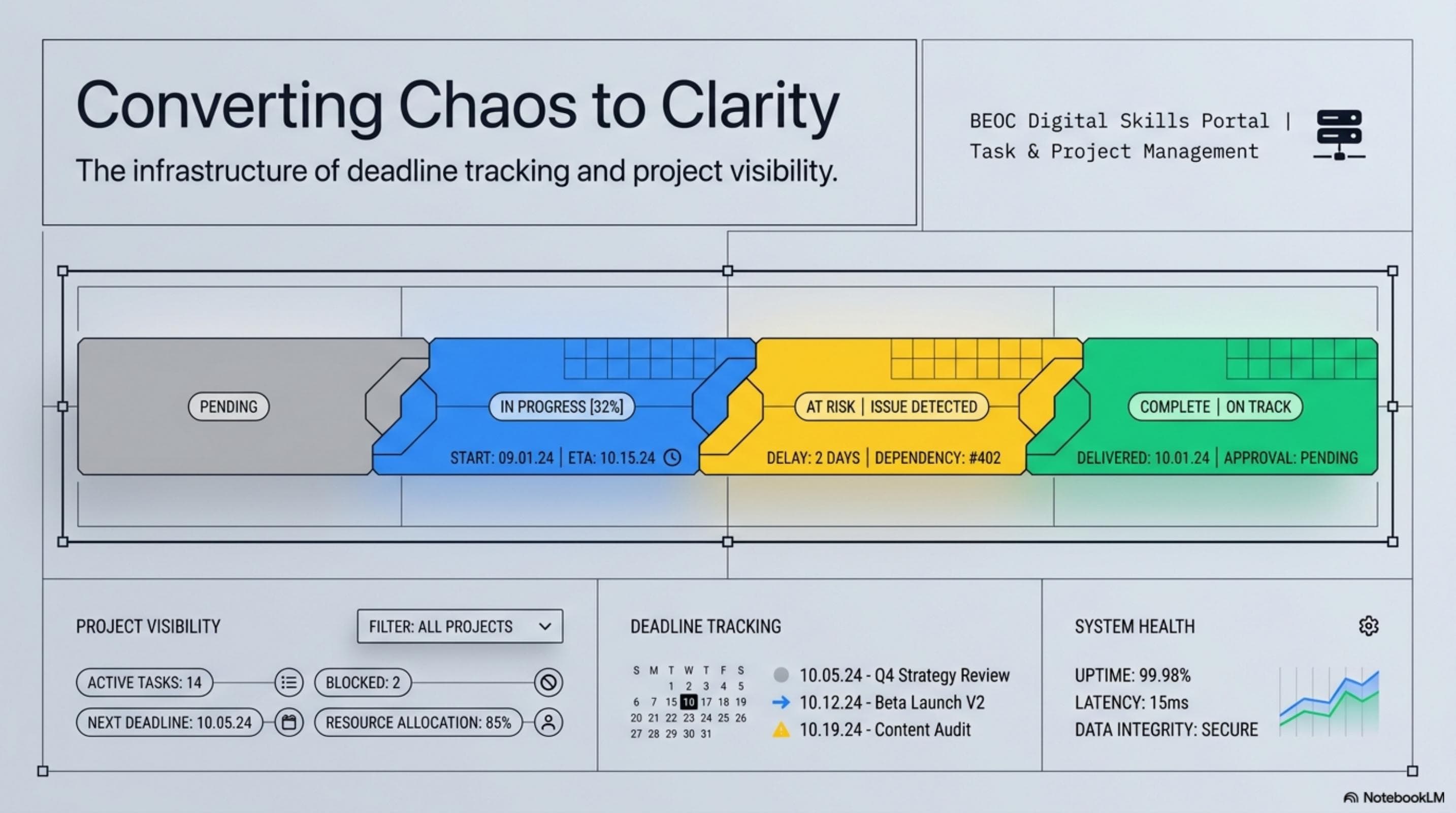
A missed deadline is rarely a surprise to the person who missed it — it is almost always a surprise to everyone else. The failure is not usually the work itself; it is the communication and visibility system around the work. Deadline tracking is the infrastructure that converts chaos into clarity:
- Without a tracker, status lives in people's heads — and people's heads are unreliable. Ask five people on a project team what the status of each deliverable is and you will get five different answers.
- A tracker gives everyone the same picture — when status is visible in a shared document, there is no ambiguity about what is done, what is in progress, and what is behind. Disagreements about status stop happening.
- Proactive tracking prevents deadline surprises — a well-maintained tracker surfaces problems while there is still time to respond to them. A reactive approach surfaces problems the day the deadline is missed, when options have already disappeared.
- Tracking communicates professionalism — managers notice when their office assistant can give them an instant, accurate status update on any project without looking at email. That capability is built on a tracker, not a good memory.
- Tracking protects your reputation — when something goes wrong, a well-kept tracker shows the history of communication and status flags that prove you identified the risk early. An empty tracker shows the opposite.
Building a Deadline Tracker
A deadline tracker is a structured table — usually in a spreadsheet — that gives every deliverable in a project a row of its own with every relevant piece of status information in clearly defined columns. Five columns cover the essentials for any project tracker:
- Task Name (Column A) — a clear, specific description of the deliverable. 'Q3 client report — final draft submitted to client' is a useful task name. 'Report' is not.
- Owner (Column B) — the single person responsible for delivering this item. One owner per task, always. A task owned by 'the team' has no owner.
- Due Date (Column C) — the specific calendar date the deliverable is expected to be complete. Apply consistent date formatting across all rows (YYYY-MM-DD or MM/DD/YYYY) to enable reliable chronological sorting.
- Status (Column D) — the current state of the task. Use a consistent, pre-defined vocabulary and enforce it with a dropdown: Not Started, In Progress, Complete, At Risk. Never allow free-text entries in this column.
- Notes (Column E) — context that does not fit elsewhere: blockers, dependencies, revised dates with explanations, or communication history. This column is where the story behind the status lives.
Consistent Status Vocabulary
The value of a status column depends entirely on everyone using the same vocabulary. A status field where some team members write 'done', others write 'complete', and others write 'finished' is not a status field — it is noise. Define your status vocabulary before the project begins and enforce it with a dropdown:
- Not Started — the task has been created and assigned but no work has begun. This is the default status when a task is first added to the tracker.
- In Progress — the owner is actively working on this task. Move to this status the moment work begins — not after a significant milestone has been reached.
- Complete — the task is fully done, reviewed (if applicable), and the output has been delivered or filed in the agreed location. This status means no further action is required from anyone.
- At Risk — the task has a problem that, if not addressed, will result in a missed deadline. This is the most critical status to use correctly — and the one most often avoided because it feels uncomfortable to flag a problem.
- Blocked — a variant of At Risk used when progress cannot continue because of a dependency on someone else's work, a decision that has not been made, or an external resource that has not arrived. Blocked means 'I cannot move this forward without something from outside myself'.
- Consistency rule — create a Data Validation dropdown for the Status column with exactly these options. Do not allow free-text entry. This one rule eliminates the most common source of tracker unreliability.
The Weekly Check-In Habit
A tracker only works if it is kept current. A tracker that was last updated three days ago is three days behind reality — and in a fast-moving project, three days is enough time for a deliverable to go from In Progress to At Risk with no one noticing. The weekly check-in habit prevents this:
- Set a recurring 15-minute review — pick the same day and time every week (Friday afternoon works well for most teams) and commit to reviewing every open task in the tracker before leaving for the weekend.
- What to review in each 15-minute session — open the tracker, look at every task in 'In Progress', verify the status is still accurate, update any status that has changed since the last review, flag any tasks that are approaching their due date without visible progress.
- Ask three questions for every In Progress task — Has meaningful work happened since the last review? Is the owner still on track to finish by the due date? Is there any blocker or risk that has emerged?
- Update immediately, not later — never leave a check-in with tasks you know need updating and plan to update 'later'. Later becomes tomorrow, then next week, then the tracker is six days behind and someone is asking you for a status report you cannot confidently give.
- Brief the team — after updating the tracker, send a brief weekly status summary to your manager (2–4 bullet points): what moved to complete, what is in progress, what is at risk, and what needs a decision before next week.
Flagging At-Risk Items and Communicating Delays
The two most uncomfortable moments in deadline tracking are flagging a task as At Risk and telling your manager that a deadline will be missed. Both feel like admissions of failure. In reality, both are demonstrations of professionalism — because they give the organization time to respond. The failure is not the problem; the failure is hiding the problem:
- When to flag At Risk — the moment you have reason to believe a deadline will not be met: the owner has not started a task that is due in two days, a dependency has not arrived, a blocker has been logged for more than 48 hours without resolution, or the owner has flagged difficulty completing the work.
- How to flag — change the status in the tracker, add a note in the Notes column explaining the risk and its source, and notify the relevant stakeholders. Do not flag silently — a status change with no communication has limited value.
- Communicating a delay before the deadline — if you know with high confidence a deadline will be missed, tell your manager before the deadline, not after. The message structure: acknowledge the delay, explain the reason briefly, give a revised estimate, and state what you are doing to minimize the impact.
- The professional delay message — 'The Q3 client report is currently at risk of missing the Friday deadline. The data export from the finance team was delayed by two days. I am expecting the export by end of day Thursday. Based on that, I expect to deliver the completed report by Monday morning. I have flagged this in the tracker and will update you as soon as the export arrives.'
- Never change a deadline in the tracker without notifying the affected parties — a due date that changes silently in a shared tracker creates confusion, damages trust, and may cause team members to miss commitments they made based on the original date.
Quick Reference: Deadline Tracking System

Deadline Tracking System: Keeping Projects Visible and On Track
Responsible Use
AI Assist
Knowledge Check
When should you flag a task as 'At Risk' in your project tracker?
Challenge
Apply what you've learned in this lesson.
Build a deadline tracker for a fictional 3-week project with exactly 6 tasks. Your tracker must be fully built and meet all five specifications below:
- Include all 5 required columns: Task Name, Owner (use made-up names), Due Date, Status, and Notes
- Fill in all 6 rows with realistic, specific task data — no placeholder text like 'Task 1' or 'Owner A'
- Apply consistent date formatting across all rows and sort the tasks by due date from earliest to latest
- Mark at least 1 task as 'At Risk' and write a specific note in the Notes column explaining the risk and what action is being taken
- Write a 3-sentence status summary (as if emailing your manager) covering: what is on track, what is at risk, and what decision or action is needed