Creating and Opening Workbooks
Learn how to create new workbooks, open existing files, use templates, pin recent files, and understand Compatibility Mode in Excel.
By the end of this lesson you can
- Create workbooks from blank files and from templates
- Open, pin, and manage recent workbooks
- Recognize the risks of opening workbooks from outside the practice
- Explain what CSV files lose compared with .xlsx
Video
Watch the lesson video, then complete the reading and challenge.
Lesson Notes
Read through the key concepts before you try the challenge.
Where a workbook comes from is a security question
You process vendor invoices at Lakeside Medical Associates.
A supplier emails a price list as an .xlsm file. Excel opens it in Protected View with a yellow bar offering to enable content. Clicking that button on a file from outside the practice is one of the most common ways an organization gets compromised.
Your task: Know what Protected View is protecting you from, and what the different file types mean.
Protected View opens files from email, the internet, or unsafe locations in a read-only sandbox where macros and external links cannot run. The yellow bar asking you to enable editing or enable content is a genuine decision point, not a formality. Enable editing on a file you were expecting from a known sender; be far more cautious about enabling content, which permits macros to execute.
| Extension | What it is | Note |
|---|---|---|
| .xlsx | The standard workbook format | Cannot contain macros, which makes it the safer default |
| .xlsm | A macro-enabled workbook | Can run code. Only enable content from a source you trust |
| .csv | Plain comma-separated text | Holds one sheet of values only — no formulas, formatting, or multiple tabs |
| .xltx | A template | Opening one creates a new workbook and leaves the template intact |
| .xls | The pre-2007 format | Limited to 65,536 rows; convert unless you must return it |
Creating a New Workbook
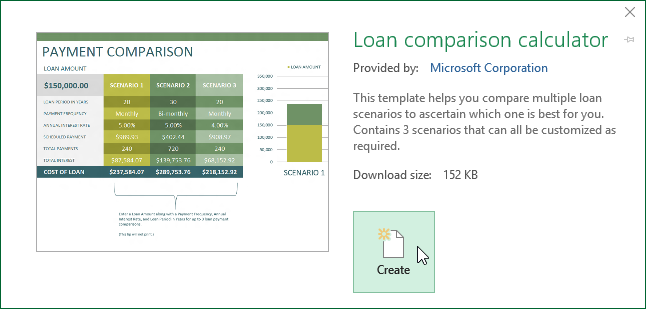
To create a new workbook, click File → New. You can select a Blank Workbook or choose from available templates.
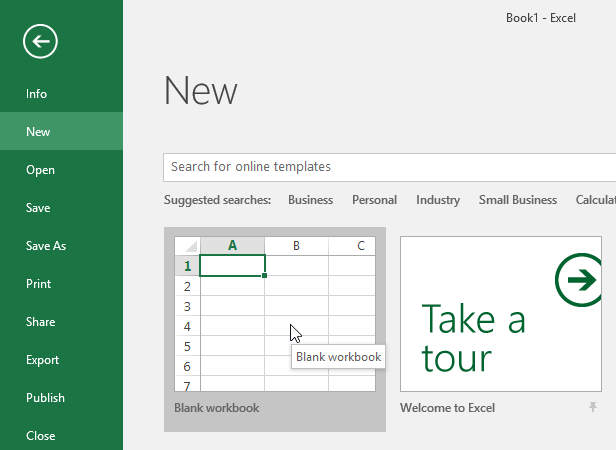
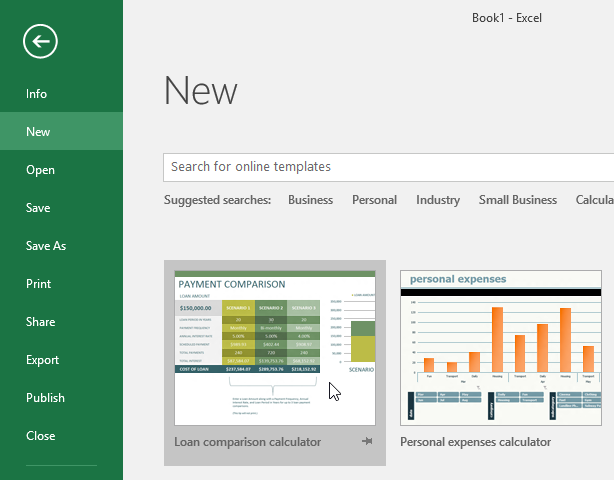
Searching for Templates
Excel allows you to search for online templates. Simply type a keyword like 'budget' into the search bar.
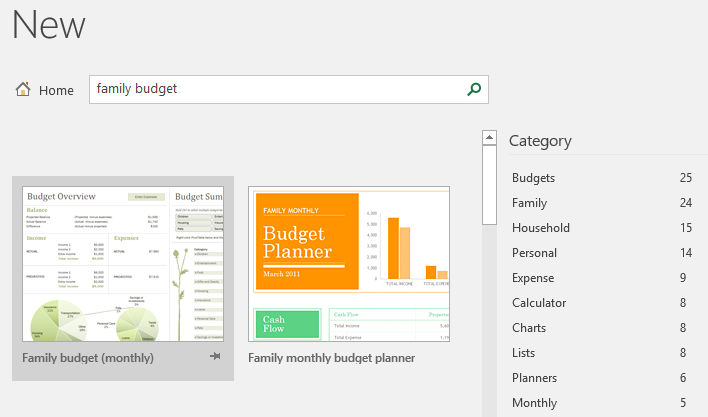
Opening Existing Workbooks
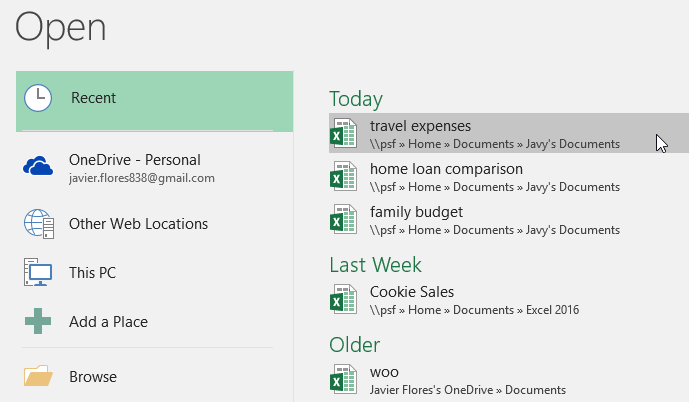
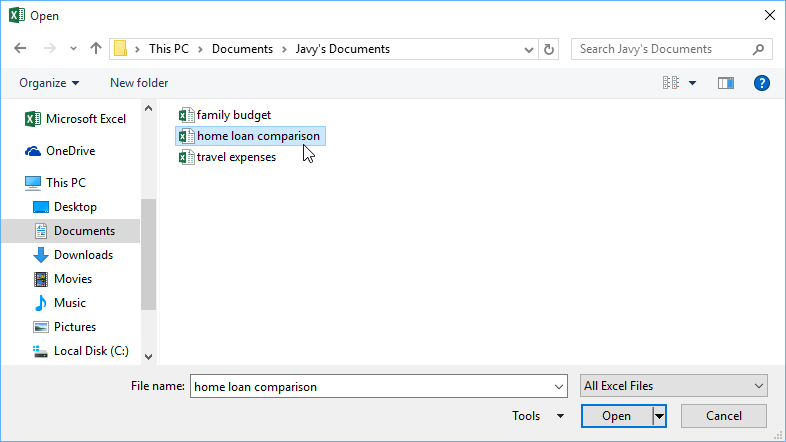
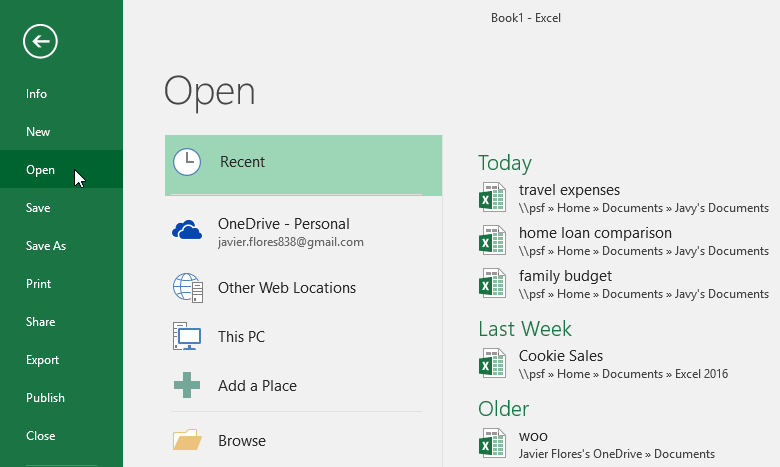
Click File → Open to access recent workbooks, OneDrive files, or browse your computer.
Pinning Recent Files
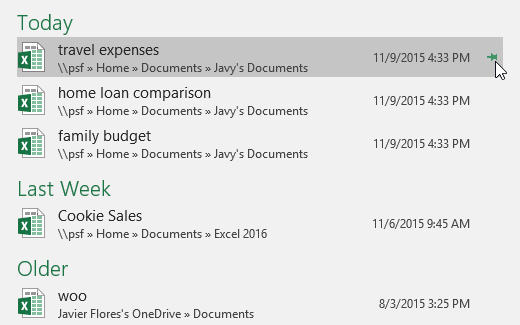
You can pin frequently used workbooks so they always appear at the top of your Recent list.
Understanding Compatibility Mode
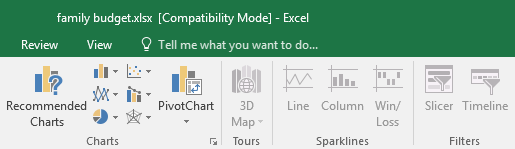
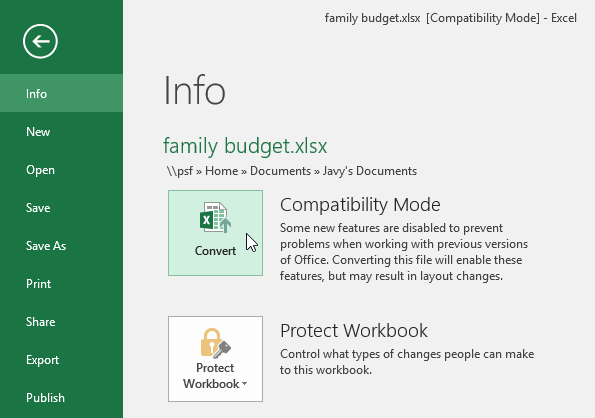
If you open an older Excel file, you may see Compatibility Mode in the title bar. Some newer features are disabled until the file is converted.
Knowledge Check
What is a template in Excel?
Practice File
Download this file and follow along with the lesson.
Challenge
Apply what you've learned in this lesson.
Complete the following tasks:
- Create a new blank workbook.
- Search for and preview a template.
- Open a recent workbook.
- Pin a file to the Recent list.
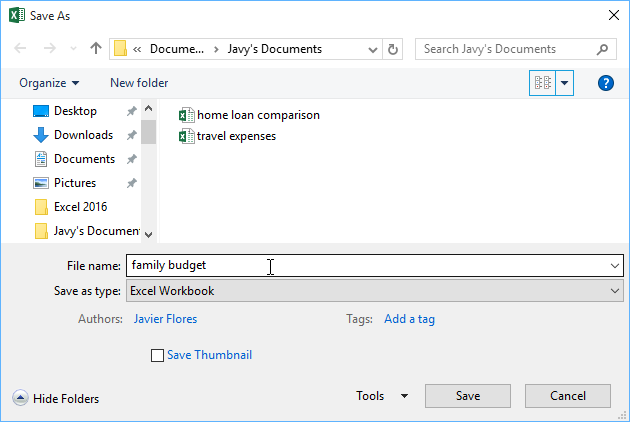
- Open an older Excel file and convert it from Compatibility Mode.
Finished this lesson?
Progress is saved in this browser only. It is not a grade — official progress lives in Brightspace.