Cell Basics
Learn how to insert and delete cells and cell content, drag and drop cells, use the fill handle, and use cut, copy, and paste.
By the end of this lesson you can
- Enter, edit, and clear cell content, and distinguish clearing from deleting
- Use the fill handle to copy values and extend patterns
- Use Paste Special to paste values, formats, or formulas selectively
- Explain why Excel treats some entries as text and others as numbers
Video
Watch the lesson video, then complete the reading and challenge.
Lesson Notes
Read through the key concepts before you try the challenge.
Excel is always deciding what you typed
You are entering supply orders at Lakeside Medical Associates.
You type a catalog number as 03-4521 and Excel displays a date. You type another as 1/2 and get January 2nd. Your totals column will not sum, because half its values are text that merely looks numeric.
Your task: Understand how Excel interprets what you type, so your data behaves as data.
Every entry is classified the moment you press Enter: number, date, or text. That classification governs everything afterwards — whether it sums, how it sorts, whether a formula can use it. Numbers align right by default and text aligns left, which gives you a free visual check: a column of right-aligned figures with one left-aligned entry has one text value hiding in it.
To force text, format the cells as Text before typing, or begin the entry with an apostrophe: '03-4521. The apostrophe is not stored — it tells Excel to keep what follows verbatim. This is the standard fix for catalog numbers, account codes, and any identifier with leading zeros.
| You enter and drag | Excel produces | Why |
|---|---|---|
| One cell containing 5 | 5, 5, 5, 5 | A single value is copied |
| Two cells containing 5 and 10 | 15, 20, 25 | Two cells establish a pattern — a step of 5 |
| A cell containing Monday | Tuesday, Wednesday… | Excel knows built-in lists for days and months |
| A cell containing =A1+B1 | =A2+B2, =A3+B3 | Relative references shift as the formula moves down |
| Ctrl held while dragging | Copies instead of extending | Overrides Excel's pattern detection |
Understanding Cells and Ranges
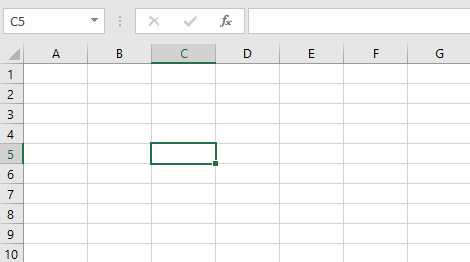
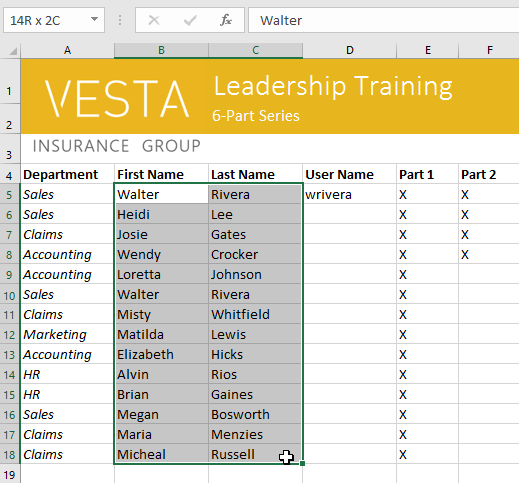
A cell is the intersection of a row and column. A range is a group of selected cells.
Insert and Delete Cells
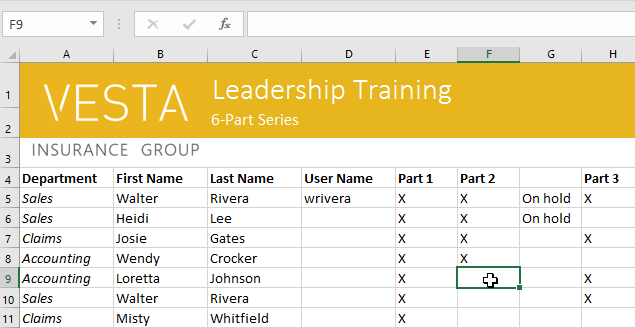
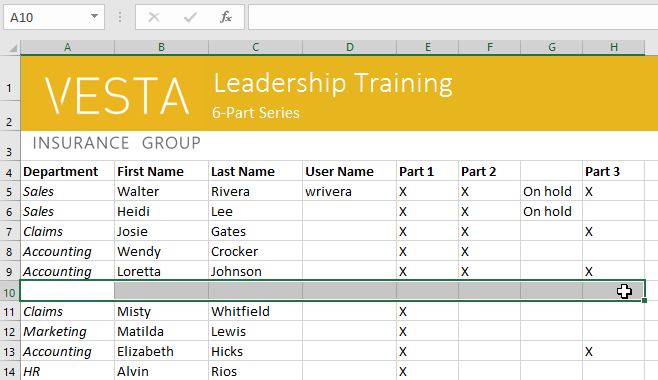
You can insert new cells or delete existing ones to reorganize worksheet data.
Cut, Copy & Paste
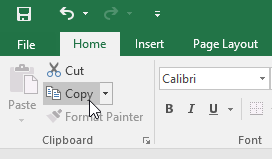
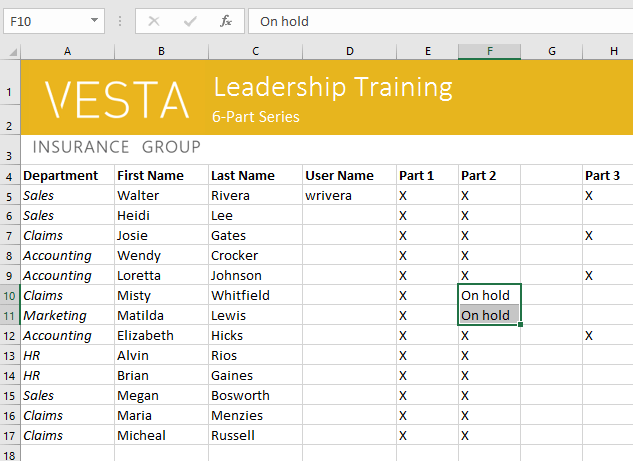
Use Cut, Copy, and Paste to move or duplicate data.
Using the Fill Handle
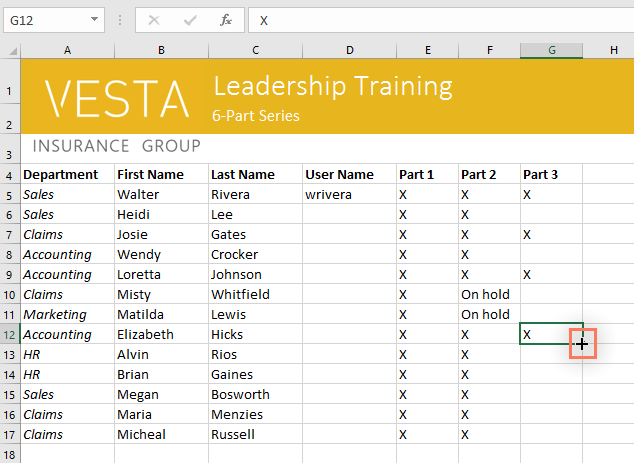
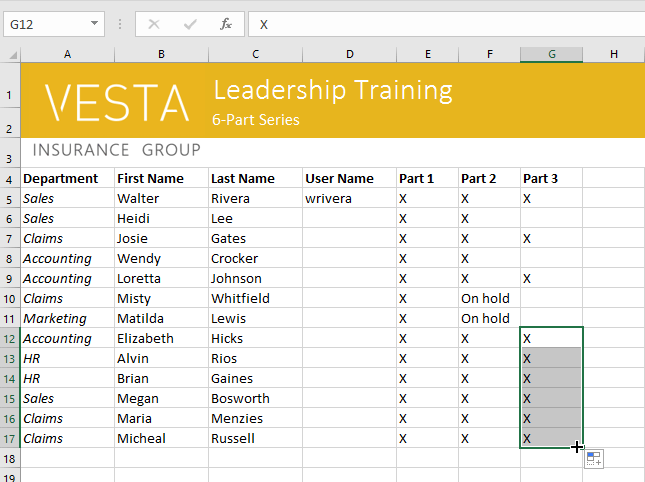
The fill handle allows you to quickly copy data or create series.
Knowledge Check
What does the fill handle do in Excel?
Practice File
Download this file and follow along with the lesson.
Challenge
Apply what you've learned in this lesson.
Complete the following tasks:
- Insert a new row.
- Delete a selected cell.
- Copy and paste data.
- Use the fill handle to extend a series.
Finished this lesson?
Progress is saved in this browser only. It is not a grade — official progress lives in Brightspace.