What is a CRM?
Understand what a CRM is, why businesses use one, and how an office assistant interacts with it daily.
Video
Watch the lesson video, then complete the reading and challenge.
Presentation Slides
Review the slides below, then complete the reading and challenge.
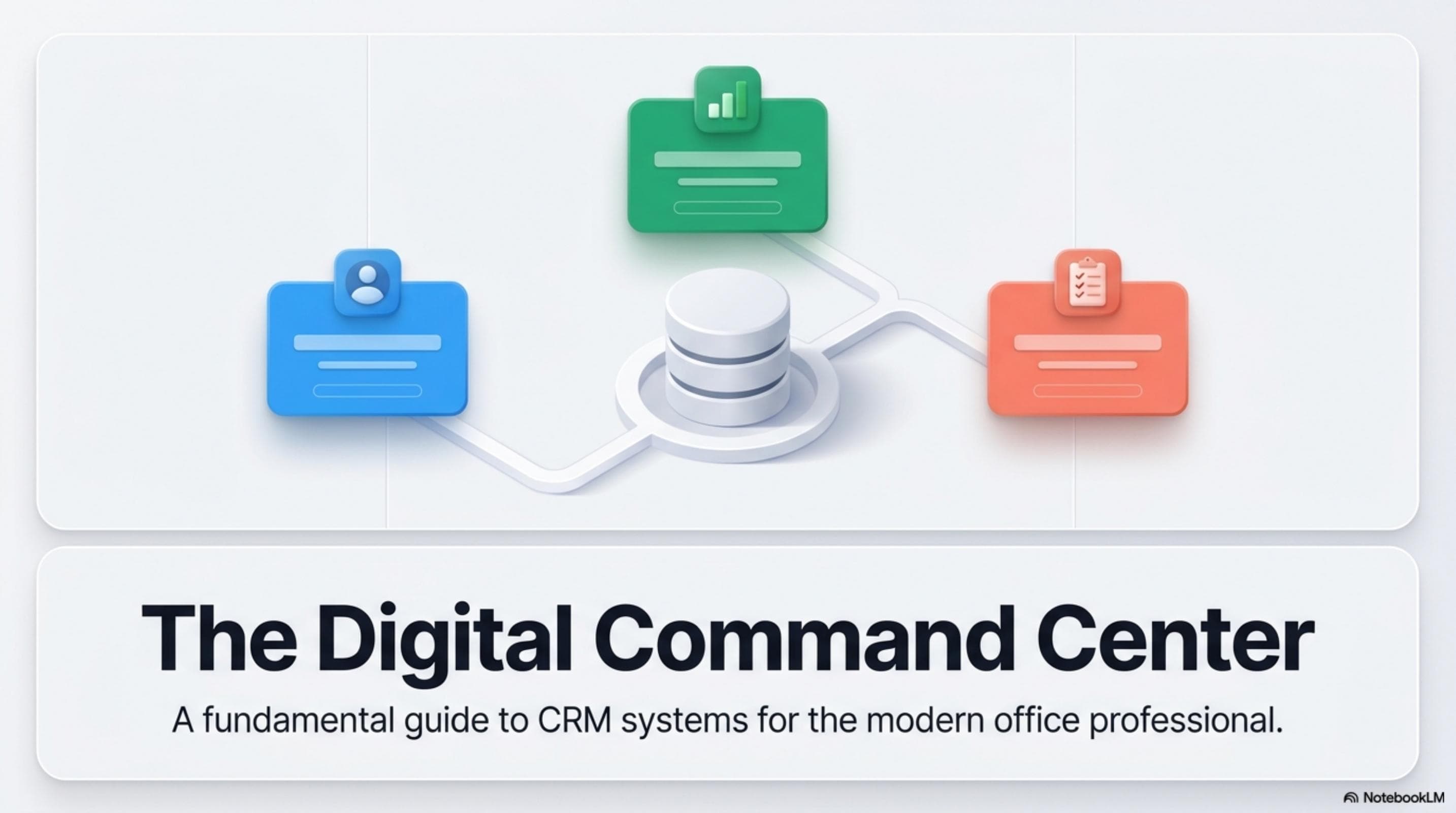
Lesson Notes
Read through the key concepts before you try the challenge.
Real-World Scenario
Why CRM Systems Matter in Professional Offices
Before CRM systems became standard, businesses managed client relationships through email threads, personal notebooks, and individual memory. The problem is that client knowledge lived in people — and when those people were unavailable, moved roles, or left the company, the relationship had to restart from zero. CRM systems solve this by making client knowledge institutional rather than personal:
- Client history is never lost — every call, email, meeting, and agreement is preserved in the system. When a new team member takes over an account, they can read a complete client history in minutes instead of starting blind.
- Nothing falls through the cracks — the CRM tracks due dates, follow-up reminders, and open tasks associated with every client relationship. If a follow-up is overdue, the system surfaces it.
- Everyone on the team shares the same client picture — instead of one person knowing a client is unhappy about a billing issue while another tries to upsell them, the CRM gives every team member access to the same complete, current record.
- Client data becomes a business asset — a well-maintained CRM is one of the most valuable assets a company owns. It enables forecasting, service delivery, and business development at a level that is impossible without it.
- The 'if it is not in the system, it did not happen' rule — when a dispute arises about what was promised, agreed, or communicated, the CRM log is the authoritative record. If an interaction was never logged, there is no evidence it occurred.
What a CRM Actually Tracks
CRM systems are built around three core object types: records, activities, and pipelines. Understanding these categories helps you understand why every piece of information you enter belongs somewhere specific — and why each field in the system exists:
- Contact records — individual people: their name, job title, email, phone number, company affiliation, and relationship notes. A contact record is the foundation of every other object in the CRM.
- Account or company records — the organization a contact belongs to: company name, industry, website, contract details, and account-level notes. One account can have multiple contact records attached to it.
- Activity logs — every interaction with a client: calls, emails, meetings, and notes. Activities are time-stamped and linked to the relevant contact and account record so the full relationship timeline is visible in one place.
- Deals and opportunities — the sales or service pipeline: what services a client is considering, their stage in the decision process, the estimated contract value, and expected close date.
- Tasks and reminders — scheduled follow-up actions linked to specific contacts: 'Call Marcus on Thursday,' 'Send renewal reminder by the 15th.' These ensure the next step in every relationship is always visible and assigned to a specific person.
Popular CRM Platforms and How They Differ
CRM platforms vary in complexity, cost, and ideal use case. As an office assistant, you may work with any of these systems depending on the organization you join. Knowing the landscape means you will never be completely unfamiliar with a new CRM on your first day:
- Salesforce — the industry standard for large and mid-size businesses. Highly customizable with a steeper learning curve. If a company uses Salesforce, they are serious about CRM and expect precise, consistent data entry. Widely certified and widely taught.
- HubSpot CRM — popular for small and mid-size businesses, with a generous free tier that covers most core CRM needs. Known for its clean interface and tight integration with marketing and email tools. Easier to learn than Salesforce.
- Zoho CRM — a cost-effective, feature-rich option commonly used by small businesses and startups. Similar structure to Salesforce but simpler to configure, with strong automation features at a lower price point.
- Monday.com CRM — a newer entrant built on a visual project management interface. Best for teams that already use Monday for project tracking and want their CRM to feel like a familiar board.
- Spreadsheet-based CRM — for very small teams or early-stage businesses, a structured Google Sheet or Excel workbook can function as a simple CRM. No automation, no reminders, no pipeline views — but zero cost and zero learning curve. Knowing how to build and maintain a spreadsheet CRM is a practical skill for any office assistant.
How a CRM Fits Into Your Daily Office Workflow
The CRM is not a tool you use once a week to catch up on logging — it is a daily workflow anchor. Office assistants who integrate CRM use into their moment-to-moment work are significantly more valuable to their team than those who treat logging as an afterthought. Here is what routine CRM use looks like in practice:
- Before every client interaction — pull up the client's record to review the last interaction, any open tasks, and recent notes. Walking into a call without reading the client history first is a missed opportunity and a risk.
- During every interaction — take brief notes on what was discussed, what was agreed, and what the next step is. Do not rely on memory after the fact.
- Immediately after every interaction — log the activity within 30 minutes of the interaction ending. Every hour that passes increases the risk of missing details.
- At the start of every week — review your open tasks and upcoming reminders in the CRM. Identify any follow-ups due this week and block calendar time to complete them.
- When receiving new client information — update records immediately when a client provides updated contact details, a new decision-maker is introduced, or a contract changes. Stale records create confusion and communication failures.
Quick Reference: CRM Fundamentals

CRM Fundamentals: From Paper Files to Digital Relationship Management
Responsible Use
AI Assist
Knowledge Check
What does a CRM primarily help a business keep track of?
Challenge
Apply what you've learned in this lesson.
Demonstrate your foundational understanding of CRM systems by completing the tasks below. Both deliverables should reflect the level of professional clarity expected from a working office assistant:
- Write a 1-paragraph explanation of what a CRM is and why offices use it — imagine you are explaining it to a friend who has never worked in a professional setting. Your paragraph must cover: what CRM stands for, what it tracks, and at least two specific reasons it matters
- List 3 specific daily tasks an office assistant at TOR Tech would perform using the CRM — be specific about what action is taken, what record is involved, and why it matters. Write 2–3 sentences per task, not single-line bullets
- For at least one of your 3 tasks, describe what could go wrong if the task were skipped or done incorrectly — be specific about the professional or client consequence