Text Basics
Learn how to insert, delete, select, cut, copy, paste, and move text efficiently in Word.
By the end of this lesson you can
- Select text precisely with the mouse, keyboard, and click shortcuts
- Explain the difference between cut, copy, and the clipboard
- Use Paste Special to bring in text without importing its formatting
- Insert symbols and special characters that are not on the keyboard
Video
Watch the lesson video, then complete the reading and challenge.
Lesson Notes
Read through the key concepts before you try the challenge.
Selection is the skill underneath everything else
You are assembling a patient handout at Lakeside Medical Associates.
A nurse sends you three paragraphs pasted from a manufacturer's website. You drop them into your handout and the text arrives in blue Arial 14 with a gray background, nothing like the rest of your document. You spend eleven minutes manually re-formatting it. There is a keystroke that would have prevented all eleven.
Your task: Learn to control what comes along when text moves — and to select exactly the text you mean, the first time.
Every edit in Word begins with a selection. Word applies commands to whatever is selected, so imprecise selection is the root cause of a surprising share of formatting problems — the stray space that gets bolded, the paragraph mark that carries its formatting into the next paragraph. Learning to select with intent removes a whole category of mistakes before it starts.
| To select | Do this | Use it when |
|---|---|---|
| A word | Double-click it | Replacing a single term |
| A sentence | Ctrl + click anywhere in it | Rewriting one sentence in a dense paragraph |
| A paragraph | Triple-click in it | Restyling or moving a whole block |
| A block of text | Click at the start, Shift + click at the end | Any span too long to drag comfortably |
| The whole document | Ctrl + A | Applying a font or spacing change everywhere |
| A vertical block | Hold Alt and drag | Stripping a column of numbers out of pasted text |
The clipboard is the second idea. Cut removes text and holds it; copy duplicates it and holds it; paste places what is held. What most people never learn is that paste has options. Pasting normally brings the source formatting with it, which is why website text arrives looking like a website. Ctrl+Shift+V, or Paste Special > Keep Text Only, brings the words and leaves the formatting behind — and it is the single most useful keystroke in this lesson.
Selecting Text
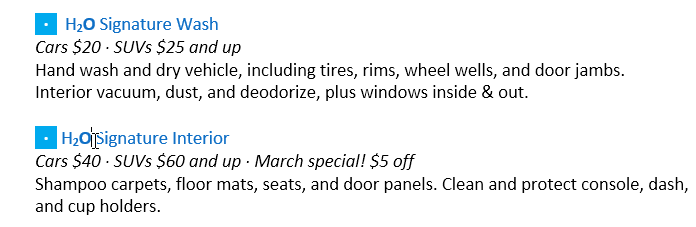
Before editing text, you must first select it. You can click and drag your mouse across text, double-click to select a word, triple-click to select a paragraph, or press Ctrl + A to select the entire document.

Cut, Copy, and Paste
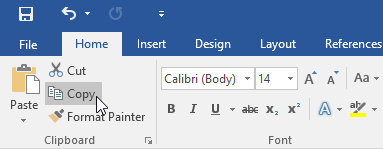
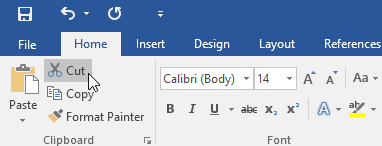
The Cut command removes selected text and places it on the clipboard. The Copy command duplicates selected text. Paste inserts the content from the clipboard.
Moving Text
To move text, select it, cut it, then paste it in the desired location.
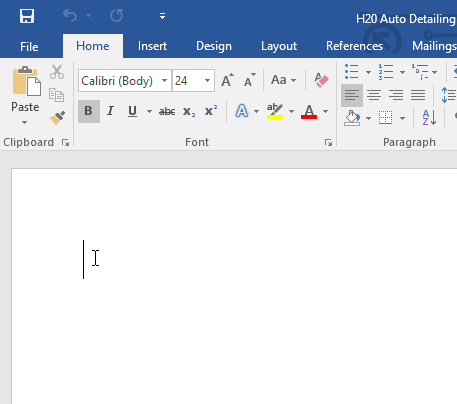
Insertion Point
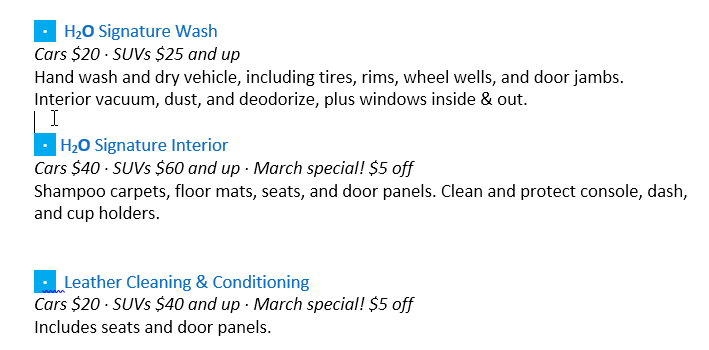
The insertion point is the blinking vertical line that shows where text will appear when you type.
Using Symbols
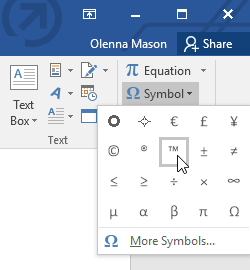
You can insert special symbols like ™ from the Insert tab by selecting Symbol.
Real-World Example
Bringing in outside text cleanly
Pasting three paragraphs from a website into a formatted handout
Add manufacturer instructions to a patient handout so they match the handout's existing fonts and spacing rather than the website's.
- 1
Select the source text on the web page and copy it with Ctrl+C.
Standard so far. The problem is not the copy — it is that the clipboard is carrying HTML formatting along with the words, and a normal paste will honor it.
- 2
In Word, place the insertion point where the text belongs, then press Ctrl+Shift+V.
This is Paste Text Only. Word discards the source fonts, colors, and background shading and inserts plain characters, which immediately take on the formatting of the paragraph they land in. The eleven minutes of cleanup never happen.
- 3
If you already pasted normally, press Ctrl+Z and redo it — do not clean up by hand.
Manually stripping formatting almost always leaves something behind: a hidden style, a character-level color, a residual background. Undoing and re-pasting correctly takes two seconds and leaves nothing.
- 4
Turn on Show/Hide (¶) and check what actually arrived.
Pasted web text often carries line breaks where paragraph marks belong, which breaks spacing and list numbering later. Seeing the marks lets you fix the structure now rather than wondering later why a style will not apply correctly.
Result: Three paragraphs that match the handout exactly, with no residual web formatting and no manual cleanup.
Ctrl+Shift+V is the difference between importing words and importing someone else's design. Make it the default reflex for anything from outside your document.
Knowledge Check
Which keyboard shortcut copies selected text?
Practice File
Download this file and follow along with the lesson.
Challenge
Apply what you've learned in this lesson.
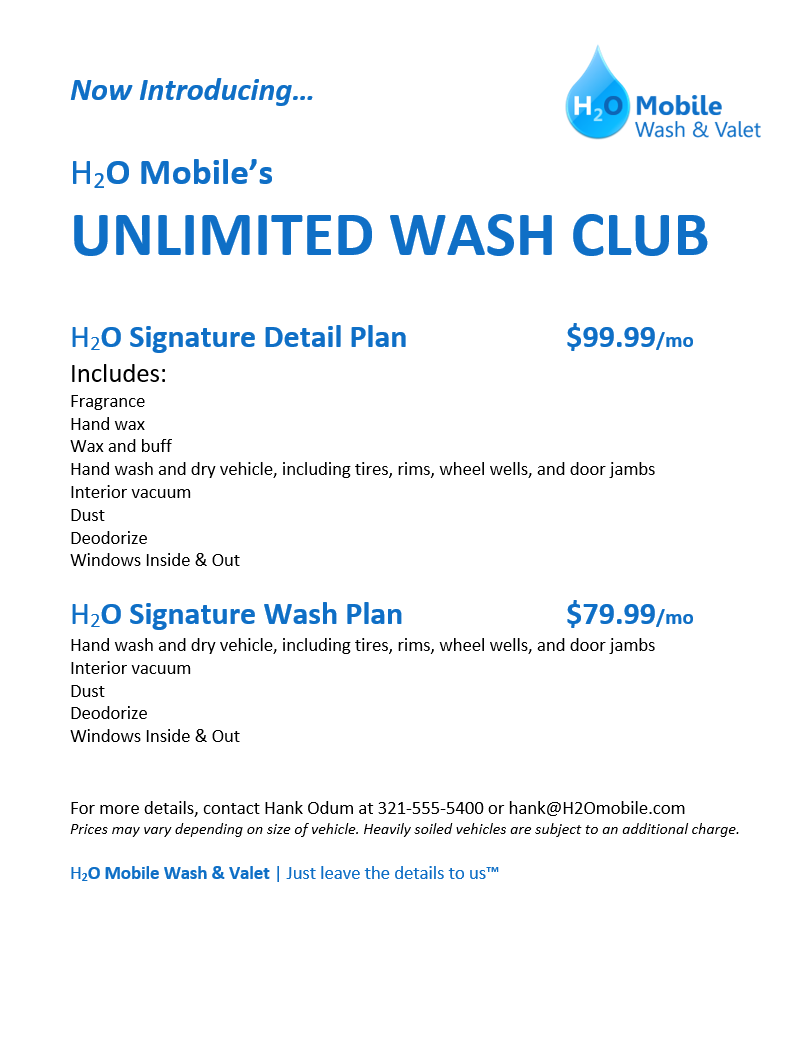
Using the provided practice file, complete the following tasks:
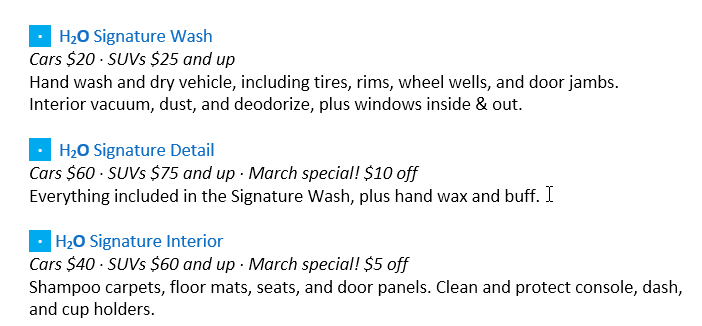
- Select and copy the 'H2O Signature Wash' section.
- Paste it below the 'Signature Interior' section.
- Cut the pricing line and move it to the correct section.
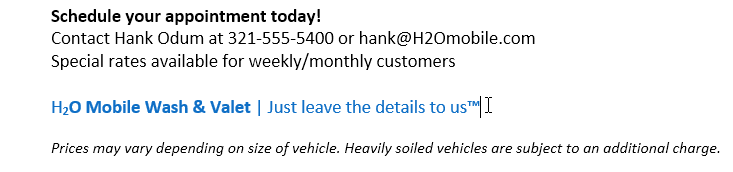
- Insert the ™ symbol after 'H2O Mobile Wash & Valet'.
Finished this lesson?
Progress is saved in this browser only. It is not a grade — official progress lives in Brightspace.